WayWyser Desktop Portal
Features that gives you Power & Control
What’s Made us Unique


Zone & Trail Management
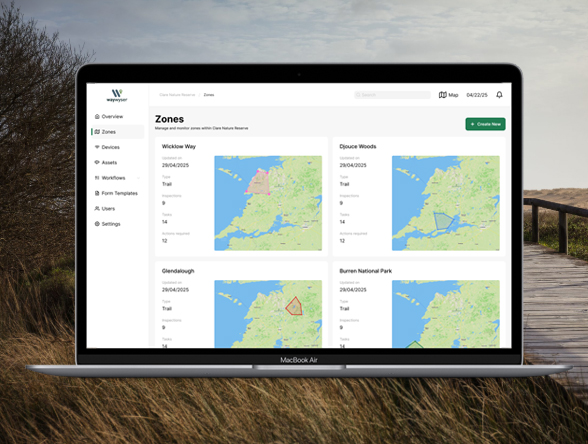
Waywyser gives you full control over how you organise your sites. Easily create zones—whether linear trails or defined areas – by manually drawing them on the map or importing existing files such as GPX, KML, or other supported formats.
Each zone becomes its own dashboard, giving you a clear view of all activity in that area. Monitor findings, tasks, inspections, assets, and even traffic data – so you can stay focused, respond faster, and manage your trails with greater precision.
Findings and Observations
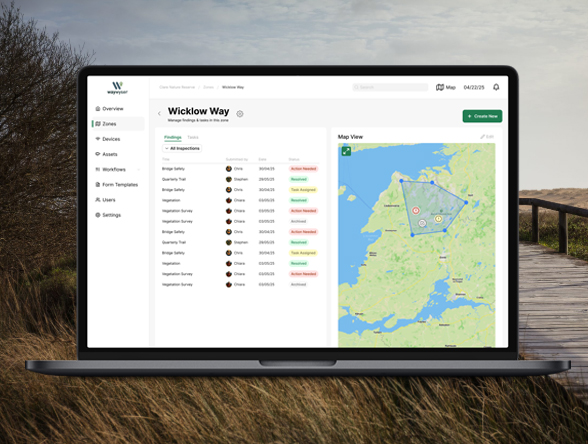
Findings in Waywyser capture on-the-ground observations – whether something needs attention or everything is as expected. Logged via the mobile app during inspections, audits, or day-to-day site visits, findings provide a structured way to document what’s happening in the field.
Each finding includes GPS location, photos, notes, and timestamps, and is linked to a specific zone or trail. Through the desktop portal, managers can review all findings (normal or exceptional) filter by type or location, and easily convert relevant entries into tasks or reports.
Task Creation & Delegation
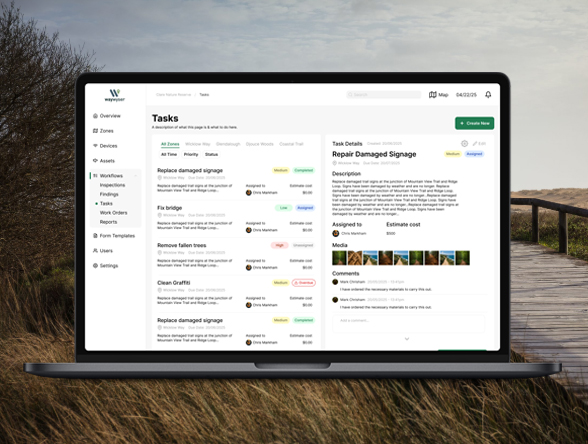
Waywyser makes it easy to turn findings, inspections, or planned work into clear, actionable tasks. From the desktop portal, you can create tasks with detailed descriptions, due dates, priorities, and associated media – then assign them to team members or contractors in just a few clicks.
Each task stays linked to its zone, asset, or finding, so nothing gets lost in translation. Real-time updates and status tracking help you monitor progress, follow up when needed, and ensure the right work gets done in the right place – on time.
Traffic Monitoring
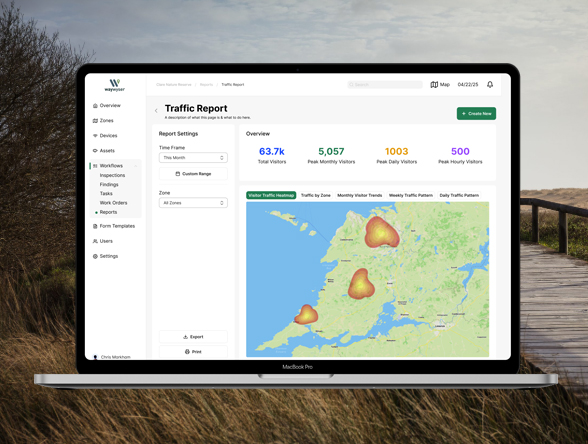
Waywyser supports real-time traffic monitoring through integrated IoT sensors that detect movement on trails or within defined areas. These sensors collect footfall data to help you understand how different sections of your site are used – whether it’s peak visitor times, underused routes, or high-traffic zones that need extra attention.
Traffic data is visualised within each zone, giving you insight into patterns over time and supporting decisions around maintenance, staffing, and funding. It’s a powerful way to combine visitor behaviour with on-the-ground reporting.
Looking to add sensors to your site? View Waywyser’s sensor range
Custom Form Builder
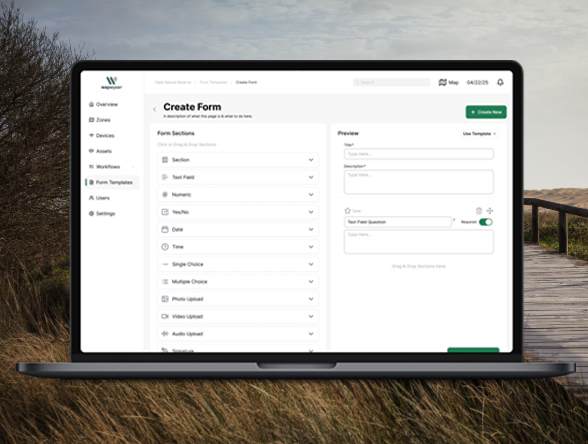
Waywyser’s custom form builder lets you tailor data collection to fit your exact needs. Create forms for inspections, audits, surveys, incident reporting, or any other workflow – using dropdowns, checkboxes, text fields, photo uploads, and more.
Design your forms from the desktop portal and deploy them instantly to your team in the field. Standardise how information is captured across your organisation, reduce errors, and ensure you’re collecting the data that matters most.
Preventative Maintenance
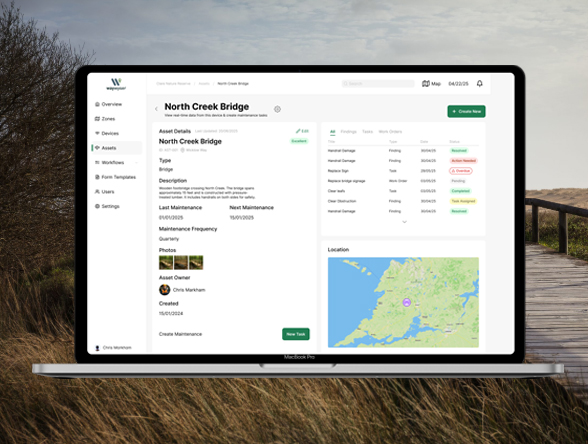
Waywyser helps you stay ahead of problems with structured preventative maintenance workflows. From the desktop portal, you can schedule routine checks, set up recurring inspections, and track the condition of key assets over time.
By identifying wear and tear early, you can plan repairs before they become urgent, extend the life of your infrastructure, and reduce costly emergency callouts. All maintenance records are stored and linked to specific zones or assets, creating a clear audit trail for reporting and compliance.
Dynamic Reporting
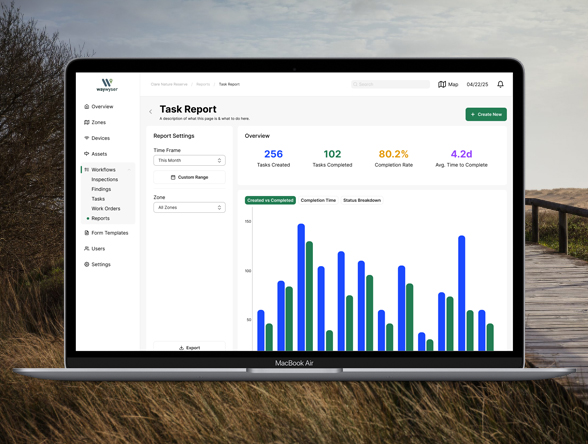
Waywyser’s dynamic reporting tools turn your field data into clear, actionable insights. From the desktop portal, you can generate customised reports on findings, tasks, inspections, traffic, and asset condition – filtered by date, zone, status, or team member.
Build reports in just a few clicks to support audits, funding applications, board updates, or internal reviews. Export to PDF or spreadsheet, or share directly with stakeholders. With live data always at your fingertips, reporting becomes faster, easier, and far more accurate.

